
Blog
Load More Button vs Auto-Load Infinite Scroll: Which Wins for PrestaShop
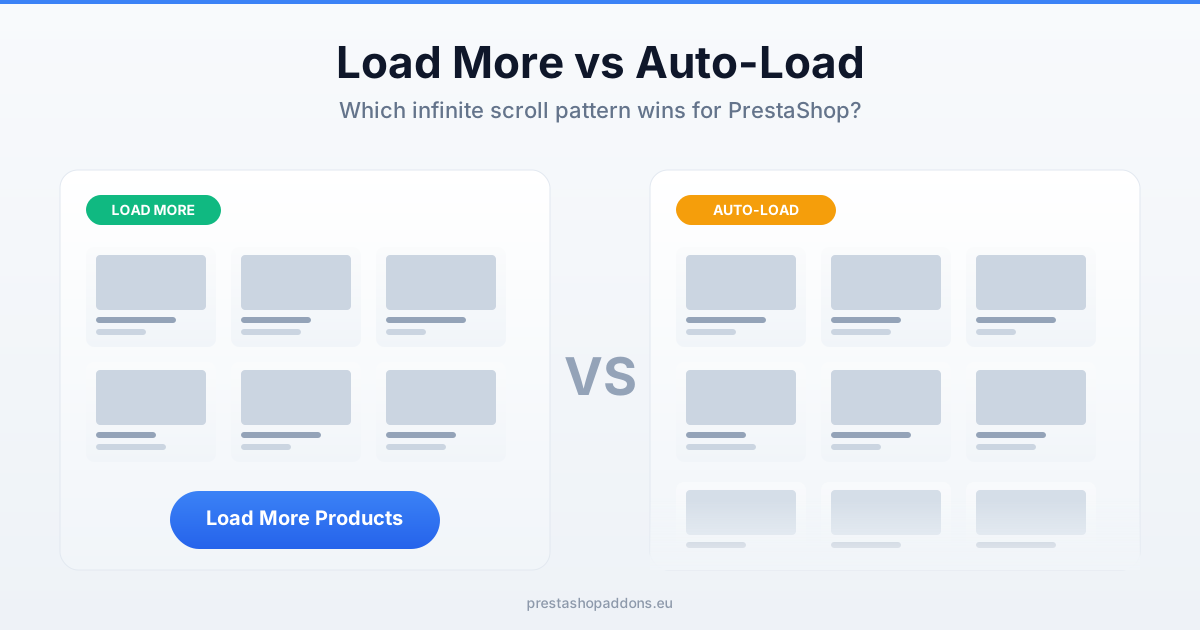
If you’ve decided classic pagination feels clunky for your PrestaShop store, the next question splits into two: auto-load infinite scroll (products load as the user scrolls) or a load-more button (user clicks to fetch next batch). Both are AJAX-based, both avoid full page reloads, but the UX, SEO, and accessibility implications differ meaningfully.
Short version: load-more button wins for ecommerce in most cases. Here’s why, plus the scenarios where auto-load is the right call.
The critical difference: user control
Auto-load removes user agency. The next batch appears whether the user wanted it or not. That’s fine for feed-style content (Twitter, Instagram) where the commitment is low. For ecommerce shoppers comparing products, it’s friction:
- Shopper finds the product they like mid-scroll
- Clicks it, goes to product page
- Clicks back to category
- Browser scrolls back — but which position? The page is now longer than when they left it
This “scroll position lost” problem is the most-cited reason users hate auto-load infinite scroll on ecommerce sites. Nielsen Norman Group’s research identifies it as one of the top 3 complaints about infinite scroll in commerce contexts.
Load-more solves it: the user is in control, the DOM only grows when they ask for more, and browser back-button behavior stays predictable.
Head-to-head comparison
1. User control
Winner: load-more. Explicit click = intentional action. User knows what they’re committing to. Screen readers announce the button. Keyboard users can tab to it.
2. SEO
Both can be safe — depends on implementation. The key question: does each “page” of products have a crawlable URL?
- Load-more + URL update: safest pattern. Click → fetches
?page=2, updates browser URL, appends products. Googlebot can crawl?page=2,?page=3directly. - Auto-load + URL update via History API: also safe if done right. The URL updates as the user scrolls past a threshold. Googlebot still crawls paginated URLs.
- Either pattern without URL updates: kills SEO for anything beyond page 1. Full context: Pagination vs Infinite Scroll.
3. Accessibility (A11y)
Winner: load-more, clearly. A button with proper aria-label is a standard interactive element every assistive technology understands. Screen readers announce it. Keyboard users reach it via Tab.
Auto-load requires aria-live regions to announce “20 more products loaded”, focus management, and alternative navigation — features many modules skip. If you need WCAG compliance (EU public sector, enterprise B2B), default to load-more.
4. Back button behavior
Winner: load-more. Because each load is a user action, the browser history state is cleaner. Users can back-button from a product page and land at the scroll position they were at.
Auto-load requires careful history.replaceState and scroll-restoration logic. Most default implementations break back-button UX.
5. Mobile performance
Depends on catalog size.
- Small catalog (under 200 products): auto-load is fine, DOM stays manageable
- Large catalog (500+ products): load-more is safer — user controls when to add DOM nodes. Auto-load can scroll indefinitely and balloon memory usage on mid-range phones
6. Analytics tracking
Load-more is trivially trackable. A click event per batch. Auto-load requires threshold-based event firing, which many implementations skip — so your GA4 dashboard shows “all users viewing page 1” when half of them actually scrolled through page 5.
7. Perceived intentionality
This one is psychological but real. Clicking “Show more” gives the user a sense of making progress (“I’m still looking”). Auto-loading can feel passive or anxiety-inducing — there’s always “more”. Research on “choice architecture” suggests bounded choice performs better than infinite choice in commerce contexts.
8. Floor behavior (what’s below the products?)
Categories often have content below the product grid: category description text (SEO-valuable), related categories, featured content, footer.
- Auto-load pushes all footer content infinitely out of reach on mobile. SEO content below grid is rarely seen by humans.
- Load-more keeps footer reachable. After the last batch loads, user hits the real page bottom and sees footer naturally.
When auto-load infinite scroll is the right call
Auto-load isn’t always wrong. Situations where it wins:
- Feed-style product discovery — fashion, home decor browsing where “show me everything beautiful” is the mode
- Exploratory categories — gift ideas, seasonal collections, editor picks
- Small-to-medium catalogs (under 500 products/category) where DOM size stays reasonable
- Content-sparse pages — nothing important below the grid, so “infinite scroll never reaching the floor” doesn’t matter
- Social commerce contexts — Instagram-shop-style, TikTok-shop-style presentation
When load-more is the right call
- Search-intent categories — shoppers looking for specific items (most B2C commerce)
- Large catalogs (500+ products/category)
- SEO-critical stores — organic traffic is a primary channel
- Accessibility requirements — WCAG AA compliance or public-sector
- Mobile-dominant traffic where memory and scroll-restoration matter
- B2B stores where shoppers compare specs methodically
Configurable mode — auto or manual
Some implementations offer both modes as configurable options — either pure auto-scroll or an explicit button trigger — so you can switch based on category type, analytics needs, or accessibility requirements. The Infinite Scroll module for PrestaShop exposes this as a back-office setting: the “Load more” button by default, automatic loading one setting away, so you can test which works better on your store without code changes.
Practical approach: start with the “Load more” button, which keeps the footer reachable and is easier to track, then test automatic loading on categories where customers browse many products in a row, such as fashion or decoration.
What to put on a “Load more” button
A small set of details makes the button clear and easy to use:
- A label that says what happens, such as “Load more products”.
- A counter under the grid, such as “Showing 24 of 120 products”, so customers know how much is left.
- A loading indicator after the click, so a second click is not needed.
- A clear message when there is nothing more to load, instead of a button that does nothing.
- Keyboard focus moved to the first new product, so keyboard and screen-reader users continue where the new products start.
How to Add a Load More Button or Infinite Scroll to PrestaShop Category Pages
Implementation notes for PrestaShop
URL updates are non-negotiable
Whichever pattern you choose, the URL must update as users navigate. Without URL updates:
- Googlebot can’t reach page 2+
- Users can’t share a specific view
- Back button can’t restore position
- Bookmarking is broken
Use history.pushState() (for load-more button clicks) or history.replaceState() (for auto-load scroll events, to avoid polluting back-button history).
Pagination fallback for crawlers
Provide accessible ?page=2 URLs that work with JavaScript disabled (or for Googlebot’s initial crawl pass). PrestaShop’s default pagination handles this; infinite-scroll modules should layer over it rather than replace it.
Load batch sizes
24 products per batch is a good default. Larger batches (36-48) reduce number of loads needed but can feel sluggish on 4G. Test on real devices, not just desktop emulation.
Handle the empty state
What happens when the user reaches the end? Auto-load with no feedback feels broken. Always show “You’ve reached the end — X products total” or a completion message. Load-more button can simply disappear or change to “No more products”.
How to Add a Load More Button or Infinite Scroll to PrestaShop Category Pages
Frequently asked questions
Does Google prefer load-more over auto-load?
Google has been neutral on this since 2019. Both are acceptable if paginated URLs exist and are crawlable. What Google does penalize: content that’s invisible without user interaction that bots can’t replicate. Both patterns satisfy this when URLs are updated.
Is auto-load considered a “dark pattern”?
Not inherently. Dark patterns require intent to trick users. Auto-load is a neutral UX choice that happens to work poorly in some contexts (commerce search) and fine in others (social feeds). But its use in news/media for engagement-farming has given it a negative reputation.
Can I A/B test load-more vs auto-load on PrestaShop?
Yes, with Google Optimize’s replacement (Google Optimize Next, VWO, Convert, or custom server-side). Test metrics: bounce rate, add-to-cart rate, product-detail page visits per session, cart value. Expect a 3-6 week test period for statistical significance on typical PrestaShop traffic.
What about “Load More” with a pagination fallback?
Excellent pattern. The visible control is “Load more” (AJAX, no reload), but the underlying HTML also includes a paginated link for non-JS users and crawlers. Best of both worlds — modern UX for most users, safe fallback for everyone else.
How many products should a “Load more” batch fetch?
Same as initial load — 24-36. Consistency helps users build mental expectations. Don’t fetch fewer on subsequent clicks (feels like the store is running out); don’t fetch dramatically more (feels overwhelming).
Bottom line
For ecommerce — and PrestaShop stores specifically — load-more button with URL updates is the safer, higher-converting default. Auto-load is fine for specific contexts (fashion, exploratory browsing, small catalogs), but in 2026 it’s no longer the obviously-modern choice it seemed to be in 2015.
Whichever you pick, the non-negotiable requirements are URL updates on each batch and a crawlable paginated fallback — without those, both patterns will hurt SEO. Full comparison of pagination vs infinite scroll patterns in Pagination vs Infinite Scroll in PrestaShop, and broader category page optimization in PrestaShop Category Page Optimization Guide.