
Blog
PrestaShop Cart Abandonment: The Complete 2026 Guide
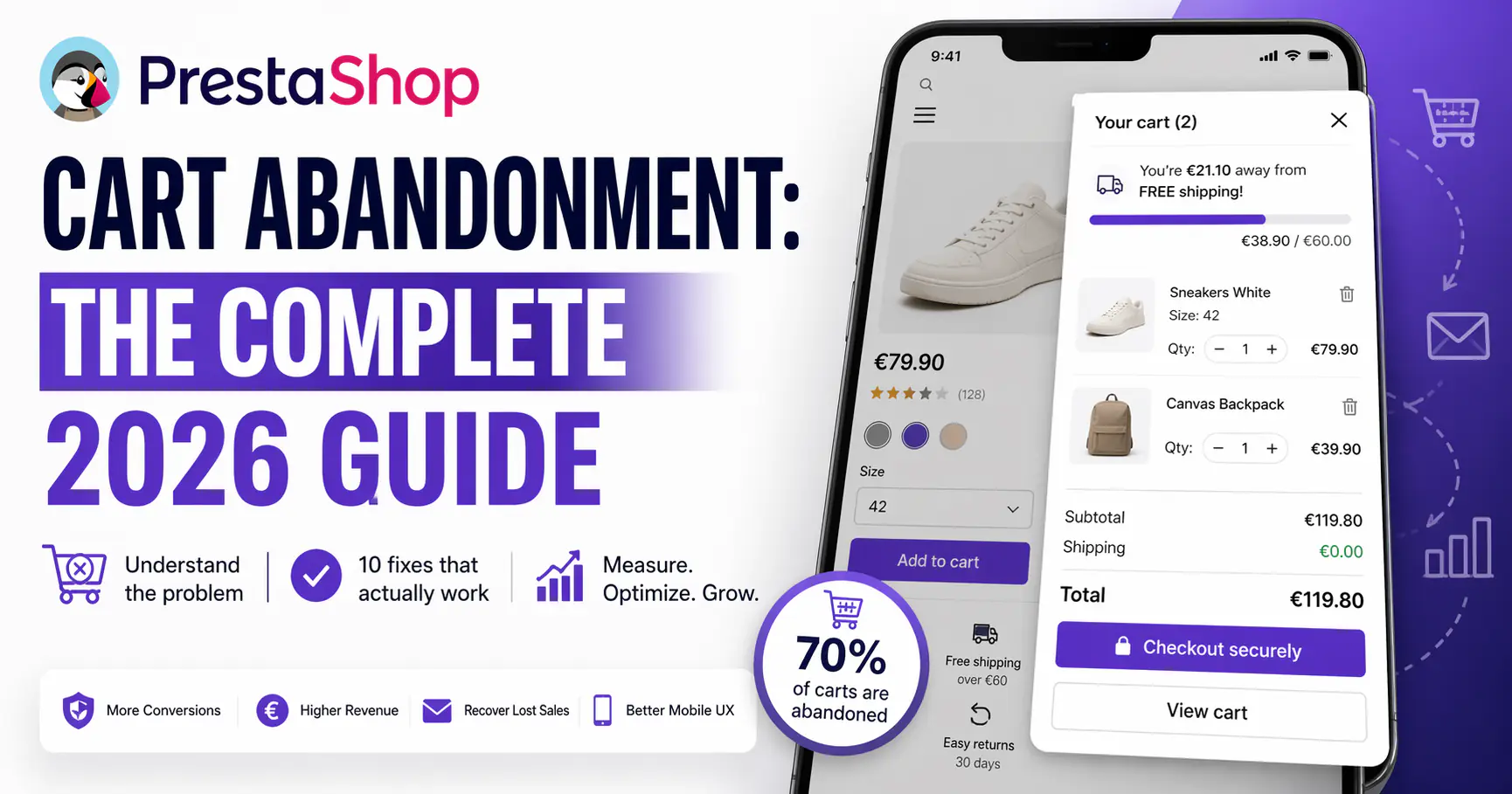
On average, 70% of online shopping carts are abandoned. That number hasn’t meaningfully improved in a decade — despite better payment rails, faster stores, and slicker checkouts. In PrestaShop specifically, most abandonment comes from fixable friction that store owners never audit because it looks normal.
This guide covers what cart abandonment actually is in 2026, why PrestaShop stores lose carts in specific ways, the 10 fixes that move the needle, and how to measure whether any of it is working.
What cart abandonment is (and isn’t)
Cart abandonment is the ratio of shoppers who add at least one product to the cart but leave before completing checkout. The standard formula:
Abandonment rate = 1 − (completed orders ÷ carts created)
Industry benchmarks for 2026 (aggregated from Baymard Institute, SaleCycle, and Dynamic Yield studies):
- Overall ecommerce: 70.19%
- Mobile: 78-85% (the real problem)
- Desktop: 64-72%
- Fashion & apparel: ~72%
- Home & garden: ~77%
- Travel: ~85%
The worst misconception: treating 70% as “normal” and therefore acceptable. Every percentage point you recover is pure margin — you’ve already paid for the acquisition, ad spend, product, and hosting. Reducing abandonment from 70% to 65% doesn’t add work; it just stops leaking the customers you already earned.
Why PrestaShop stores lose carts specifically
General ecommerce abandonment advice applies, but PrestaShop has characteristic patterns that SaaS platforms like Shopify hide from their merchants. Here are the seven we see repeatedly in real stores:
1. The “go to cart page” interruption
Default PrestaShop behavior: click “Add to cart” → redirected to full cart page → click “Continue shopping” or “Checkout”. That’s two extra clicks and a context switch, every time. On mobile it’s catastrophic. Stores that fix this one issue routinely report 8-15% improvement in completion rate.
2. Checkout as a mandatory account creation
Many PrestaShop themes still force account creation before order completion. Baymard’s research puts “forced to create account” as the #2 cause of checkout abandonment globally (24% of abandoners cite it). Guest checkout must be the default, not a hidden toggle.
3. Hidden shipping costs revealed only at step 3
48% of shoppers abandon when they see extra costs (shipping, taxes, fees) for the first time at checkout. PrestaShop’s default flow often hides shipping until after address entry. The fix is a shipping estimator in the cart or a free shipping threshold visible early.
4. Slow cart updates (full page reloads)
Changing quantity or removing an item reloads the page in many stock PS themes. Every reload is a chance to leave. See the dedicated piece: AJAX cart vs page reload — the real conversion impact.
5. Missing mobile-first cart patterns
70%+ of PrestaShop traffic is now mobile. Default carts were designed for desktop circa 2014. Sticky CTAs, thumb-zone controls, slide-in panels — the full playbook is in Mobile cart UX for PrestaShop — 7 patterns that actually convert.
6. No trust signals at checkout
Unknown shop + credit card form = cognitive alarm. Payment provider logos, SSL badge (visible, not just the browser padlock), refund policy link, and phone number all reduce last-step abandonment by 5-12%.
7. Broken or missing promo-code input
55% of shoppers leave a checkout to hunt for a discount code when they see the field, and 34% never return. If you don’t run promos, remove the field. If you do, place the code directly in the URL or apply automatically from the traffic source.
10 fixes, ranked by realistic impact
These are ordered by average lift observed across PrestaShop stores (1.7 and 8.x). Not every fix helps every store; the ones at the top are the closest to universal.
Fix 1 — Replace redirect-to-cart with a slide-in cart panel
Expected lift: 5-12% on completion rate, larger on mobile. The user stays on the product page; the cart slides in, shows what was added, offers a checkout CTA, and can be dismissed with one tap. The Sliding Cart Block module ships with this pattern plus free-shipping bar and cross-sell suggestions.
Fix 2 — Enable guest checkout and make it the default
Expected lift: 3-8%. Account creation can be an optional step after the order confirmation, not before it. The PS setting lives in Shop Parameters → Customer Settings → Enable Guest Checkout.
Fix 3 — Show total cost (with shipping) inside the cart
Expected lift: 2-6%. A shipping estimator that runs from a country/ZIP dropdown, or a “ships free over €X” bar that reveals the threshold.
Fix 4 — Collapse checkout to one page or two steps max
Expected lift: 4-10%. Five-step accordion checkouts feel thorough but convert worse. One Page Checkout modules for PrestaShop cut abandonment significantly on stores with average basket <€100.
Fix 5 — Add a cart sidebar / mini-cart that’s always accessible
Expected lift: 2-5%. A floating cart icon that shows contents when tapped, persistent across navigation. Prevents the “where did my cart go?” moment that’s surprisingly common.
Fix 6 — Visible trust signals on the checkout page
Expected lift: 3-7%. Payment provider logos (Visa, Mastercard, PayPal, Klarna), SSL badge, refund policy, satisfied customer count. Even fake trust signals outperform no signals — but only use real ones.
Fix 7 — Offer free shipping above a threshold
Expected lift: 5-15% (and higher AOV). Shipping is the single most cited abandonment reason. Work out the margin-neutral threshold and display the progress bar everywhere in the buying flow.
Fix 8 — Prefill forms wherever possible
Expected lift: 2-4%. Browser autofill works when form fields use proper autocomplete attributes. Most PrestaShop themes don’t set them correctly — fixing it is a 10-minute template edit.
Fix 9 — Abandoned cart recovery emails
Expected recovery rate: 10-15% of abandoned carts. First email at 1 hour, second at 24 hours, third at 72 hours with a small discount. Free PrestaShop modules exist for this (Mailchimp integration, Sendinblue, built-in abandoned cart module on some themes).
Fix 10 — Retargeting ads for cart abandoners
Expected recovery rate: 6-10% on top of email. Facebook Pixel or Google Ads dynamic retargeting, aimed at users who hit checkout but didn’t convert. Works best in fashion, electronics, and home.
How to measure abandonment accurately in PrestaShop
Without accurate measurement, every optimization is a guess.
Built-in PS stats
Stats → Best Customers → Abandoned Carts gives you raw numbers but not rates. You’ll need to combine with order count from the same period.
Google Analytics 4 funnel
Set up an enhanced ecommerce funnel: view_item → add_to_cart → begin_checkout → purchase. GA4’s default ecommerce template works with PrestaShop’s dataLayer if it’s implemented (most PS themes need a module or custom implementation).
Segmented by device
Aggregate cart abandonment is meaningless. Segment by mobile vs desktop and track them separately. Most fixes have different impacts per device; mobile-first fixes can move the overall needle by 10 points while desktop stays flat.
Segmented by traffic source
Organic buyers convert at a different rate than paid. Email traffic converts highest. Treat each source as its own funnel, because the fixes differ — cold paid traffic needs stronger trust signals; warm organic needs less.
Tools and modules that help
A short, honest list. I’m not paid by any of these; the Sliding Cart Block is one of our modules, flagged.
- Slide-in cart: Sliding Cart Block (our module; in-page cart, free shipping bar, cross-sell)
- One Page Checkout: SuperCheckout by ETS Soft, One Page Checkout PS by Quadra Informatique
- Abandoned cart emails: Free built-in module Reminder of cart / orders / products, or Sendinblue’s integration
- Analytics: Google Analytics 4 + Microsoft Clarity (free heatmaps, session replay — indispensable)
- Trust badges: TrustedShops, Trustpilot, or manual placement of payment logos
How to Add an AJAX Side Cart to PrestaShop 8 and 9 (Without Editing the Theme)
Frequently asked questions
What’s a realistic cart abandonment rate for PrestaShop?
Benchmark: 70% industry average. Good: 55-65%. Excellent: under 55%. Below 50% is achievable but requires aggressive optimization (segmented funnels, A/B testing, paid abandonment recovery).
Does reducing cart abandonment by a few percentage points really matter?
Yes — significantly. On a store doing €10k/month in sales with 70% abandonment, a 5-point reduction (to 65%) adds roughly €1,600/month in recovered revenue at zero additional marketing cost. The math is compounding, because each recovered customer may also return.
Are free PrestaShop cart abandonment modules good enough?
The built-in abandoned cart reminder module is a fine starting point for email. For the cart itself (slide-in, AJAX, mobile UX), check before installing that a module is maintained for your PrestaShop version and covers the mobile patterns described above.
Does a slow site cause cart abandonment?
Confirmed yes. Google’s data: a 1-second delay at checkout reduces conversions by 7%. Most PrestaShop speed problems are server-side (shared hosting, no caching). PageSpeed Insights is the diagnostic.
How long does it take to see results from cart abandonment fixes?
Immediate for UX changes (same day, visible in funnel). Email recovery takes a week to stabilize. Retargeting takes 2-4 weeks to learn. Expect a stable new baseline after 30 days of consistent data.
Where to start
Pick three fixes maximum to implement this quarter. Do them one at a time, measure for 2 weeks each, keep what moves the needle. Resist the urge to do all ten at once — you’ll have no idea what caused any change.
If you’re running a default PrestaShop cart on mobile today, the single highest-leverage starting point is replacing the redirect-to-cart page with a slide-in cart. Everything else is secondary.